Original VideoCameraHD
 Preview media
Go Live with OBS, Premium Output
NO Watermark for as low as $11Go Live with OBS, Premium OutputNO Watermark for as low as $11
Preview media  Preview media
  Preview media
  Preview media Preview media Preview media Preview media Preview media


Edit photos, build product visuals, and create clean images for shops, ads, and campaigns.
Create AI video clips, motion concepts, and polished edits for demos, promos, and tutorials.
Generate voiceovers, speech, audio, and music assets for content, ads, and studio projects.

Create campaign assets, content packs, and visuals for social media and promotions.
Make your best Creative work with AI
 Google YouTube
  OBS Twitch WhatsApp Telegram
 Buy Credits, Watch Free & Premium Tutorials on your DashboardBuy Credits, Watch Free
& Premium Tutorials on your Dashboard
Manage credits, purchases, referrals, tutorials, and all workspace from one dashboard.
Edit photos, product visuals, thumbnails, and creative image assets with prompt-based tools.
Create AI videos, motion clips, and video edits from guided creative controls.
Turn your camera into AI-generated video output for OBS and supported desktop apps.
Generate voice, speech, music, and audio assets for content and tutorials.
Manage growth orders, verification tools, and campaign support in one place.
"Fuaprint delivers with excellent service and design! Fuaprint is so quick and always full of amazing ideas."
"You are one of the realest person on the street of internet. Kudos to you guy."
"Bro i love the way you build up your Business and i would love to work with you."
"Fast and reliable. Always delivering on time. They will put your imagination about any work to life."
"Been working with Fua for years nows and I haven't stopped cause I have no reason to change."
"Deserves 7 stars because he does a perfect job it's like he is your head working with your every thought."
Start with the class that matches your device. Each course includes
a topic outline, practical setup guidance, and secure payment through Paystack.Start with the class that matches your device.
Includes setup guidance, topics, and secure payment.
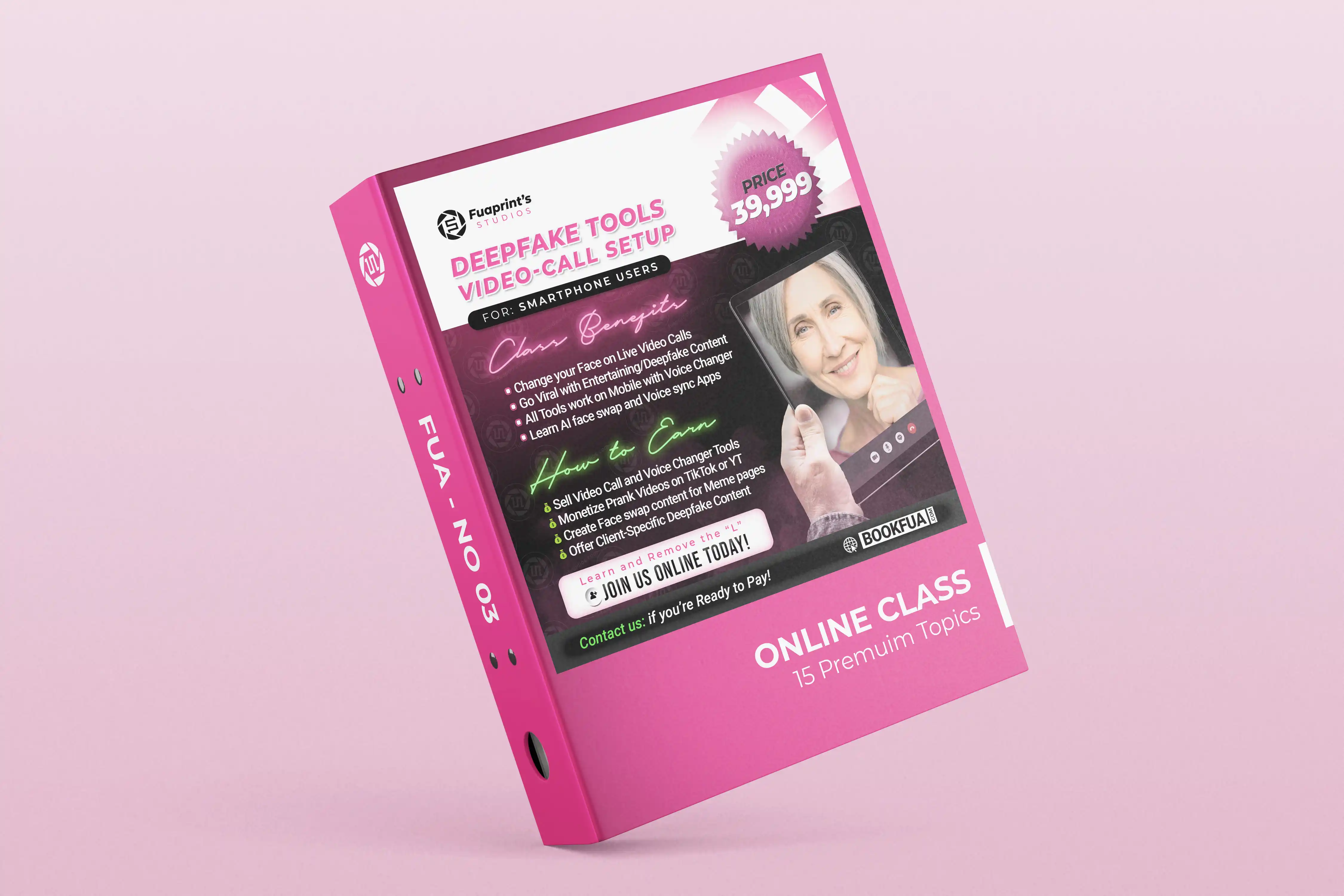
Learn the Phone Workflow for Video calls, Voice changer tools,
Camera Setup, and Clean Output. Plus links to Purchase StuffsPhone calls, voice changer, camera setup, clean output, and buying links.
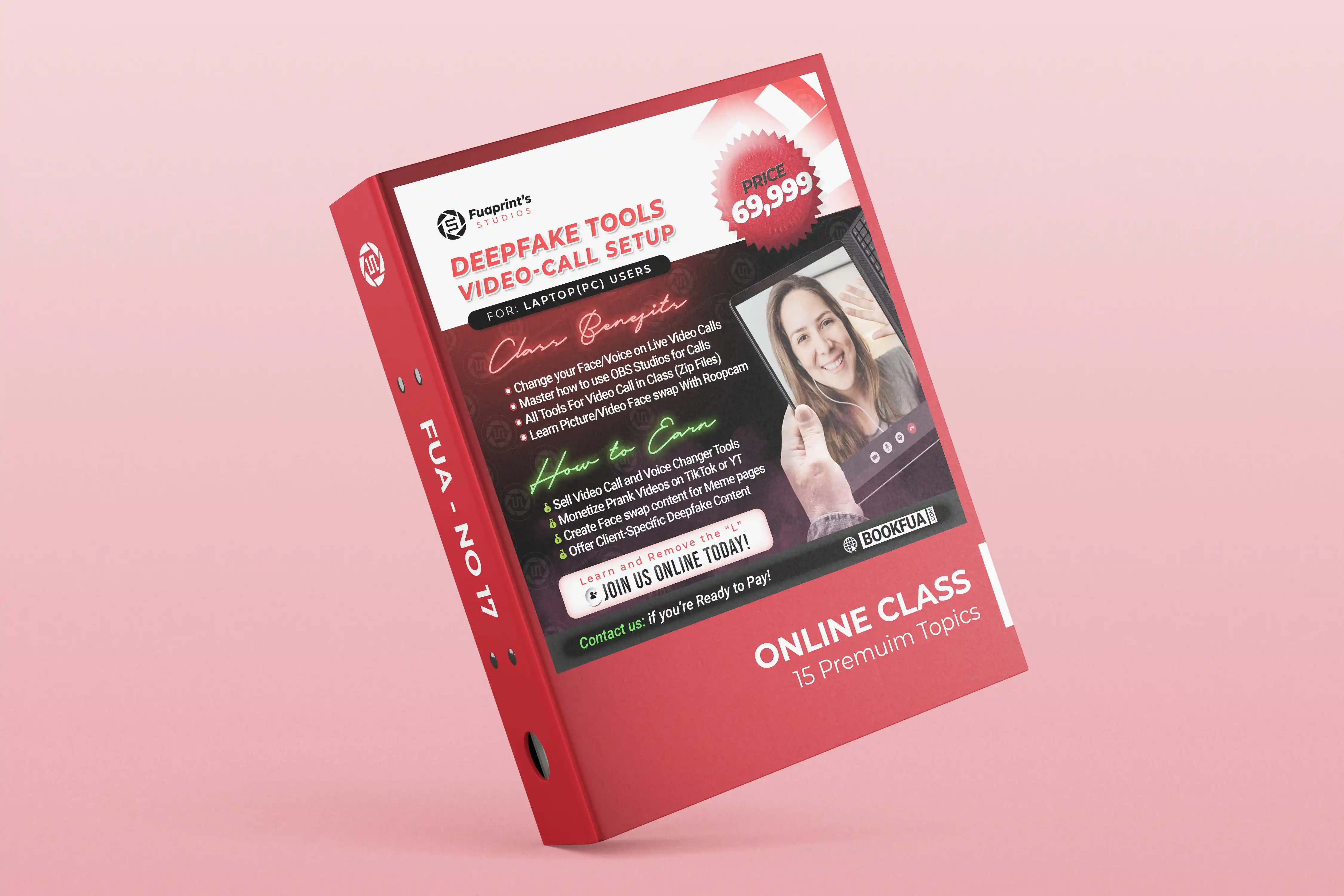
Learn the Laptop Workflow for Video calls, Voice Changer Tools,
OBS Output, Software Updates and Installations/Setups.Laptop calls, full-screen output, software updates, and installation setups.
Credits work across FUA tools including image editing, AI video, voice, music,
and Realtime Deepfake. Usage depends on the selected tool, model type, quality, and duration.Credits work across all FUA tools.
Pick a pack that fits what you create.
No. FUA LiveCam gives you a clean, professional realtime video output with no watermark, ready for supported calls, streams, and recordings. Buy Credits to use realtime AI output in your workspace.
If you pay for the full video call class, you will get access to more than 10 tools. The class covers tools for both gaming laptops and regular laptops, depending on what your system can handle.
The tool on this website can work on almost any laptop after you buy Credits. It is one of the most reliable full-body video call tools available. For other tools in the class, performance may depend on your laptop specs.
Yes. To use your phone as a webcam, you can install the Iriun Webcam app on your phone and the Iriun software on your PC. Once both are open and connected, your phone can work as a webcam. I explain this properly inside the video call class.
I personally use the Logitech 1080p Full HD Webcam. However, most good webcams can work for video calls. I recommend Logitech because the quality is reliable and clear.
Yes, but the picture should be clear and should show the person's facial features properly. The better the picture quality, the better the result.
Yes, but you need a clean sample of the person's voice. The audio should be clear, with little or no background music or noise. This helps the AI train and produce a better voice result.
Yes. Once you have a clean MP3 voice sample, you can use it to train a voice model and use it with the voice changer.
Yes, it is possible. However, everybody's voice is different, so the voice changer settings may need to be adjusted to work well with your own voice.
Yes. You can connect both the video tool and the voice changer to OBS before starting your call. OBS will then help you send the final video and audio output to the platform you want to use. If you need personal setup assistance, contact us.Yes. You can use the video tool and voice changer together, then view the final result in full-screen mode on your phone. If you need personal setup assistance, contact us.
Yes, it is possible to use a recorded video for a video call. If you already have the video, it can be set up properly through OBS. If you do not have a video yet, I can help you create one. For video editing, contact us.Yes, it is possible to use a recorded video for a video call. If you do not have a video yet, I can help you create one. For video editing, contact us.
Yes, the result can look very sharp and realistic when the right tool, settings, camera quality, and lighting are used.
FUA App Credit packs are one-time payments with no auto-renewal. Buy more Credits when you need more usage. I explain the options inside the class so you can pick what works best for you.
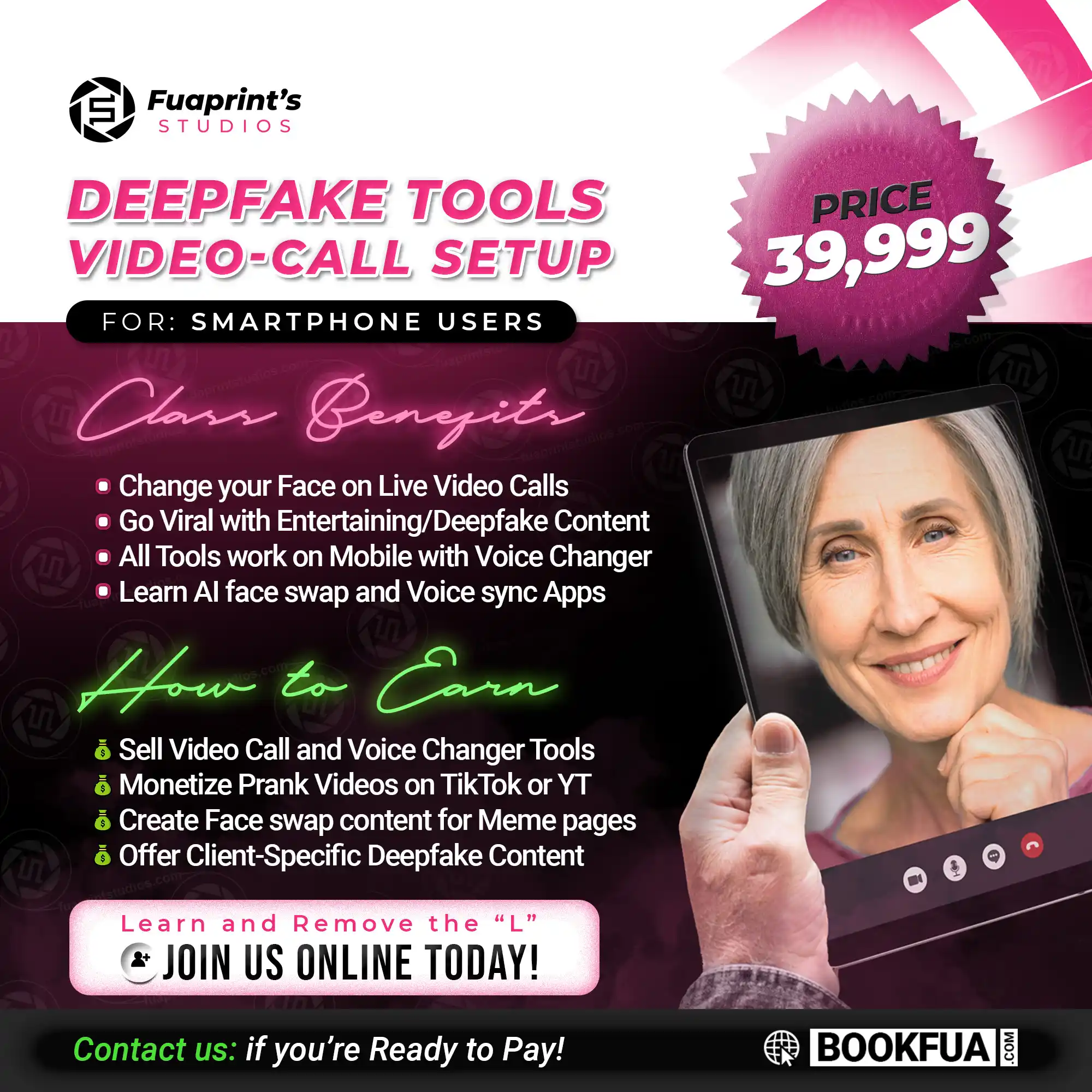
Phone Video Call Class: ₦40,000
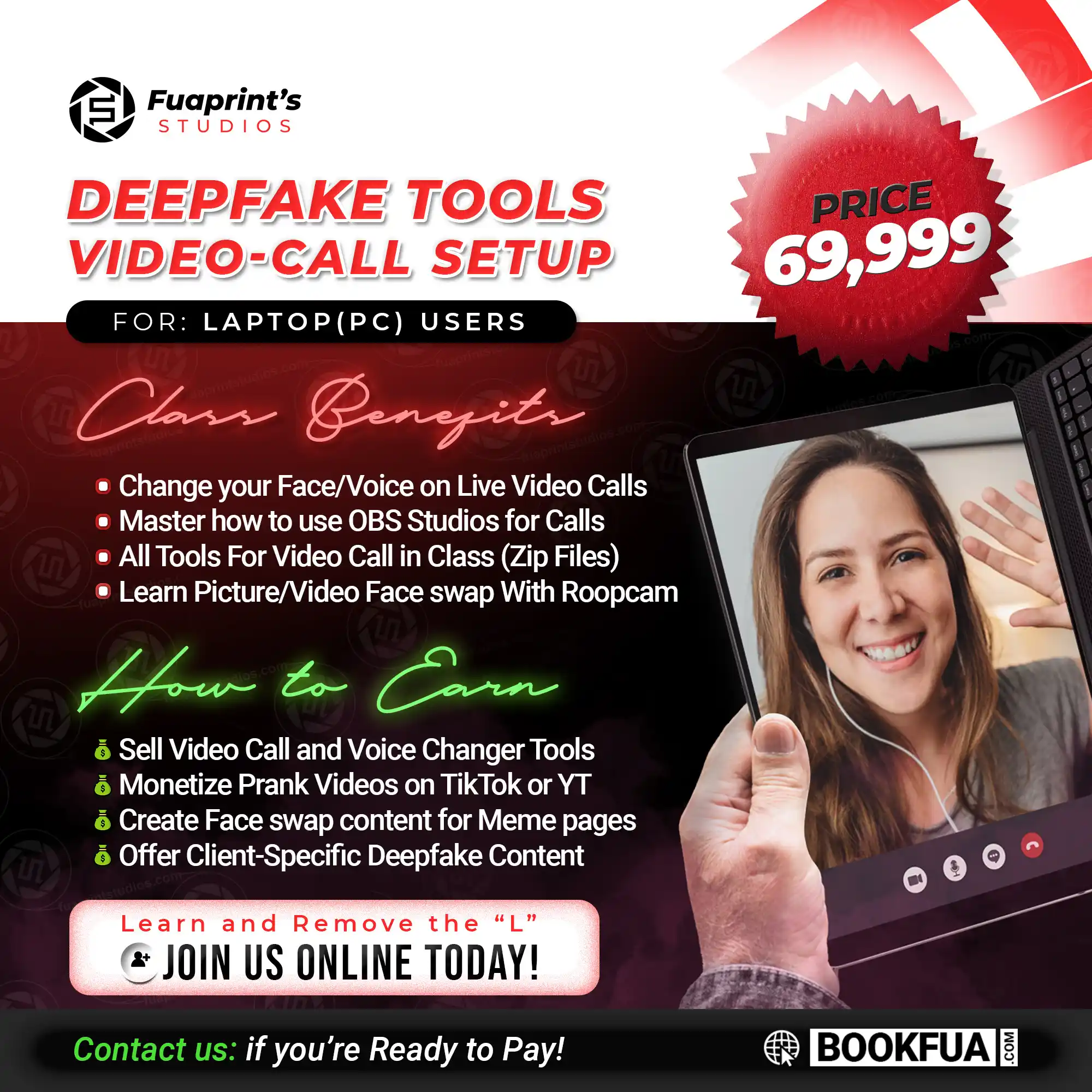
Laptop Video Call Class: ₦70,000
The setup fee is ₦200,000. This includes setup support, and you will also get access to my laptop video call class. After setup, you still need to watch the class tutorials so you can understand how to use everything properly.
You can connect the tools to any platform that supports camera input. In most cases, you only need to select OBS Virtual Camera as your output camera.On phone, use the full-screen live view for the final output. Laptop camera routing is handled separately.
You can use any platform that supports video or voice calls, such as Zoom, Google Meet, Telegram, WhatsApp Desktop, and other supported apps.
Yes. Please note: don't use this tool for fraudulent purposes. For full-body transformation, use the FUA LiveCam workspace. Use it for pranks and creative stream purposes.
Voice changer performance depends on your laptop, settings, and audio setup. With the right settings, it can work smoothly and become usable for calls. Inside the class, I show you how to adjust the settings for better performance.
Good to know: Results may vary depending on your laptop specs, internet speed, webcam quality, lighting, and the tool you choose. For the best experience, make sure you follow the class tutorials carefully.